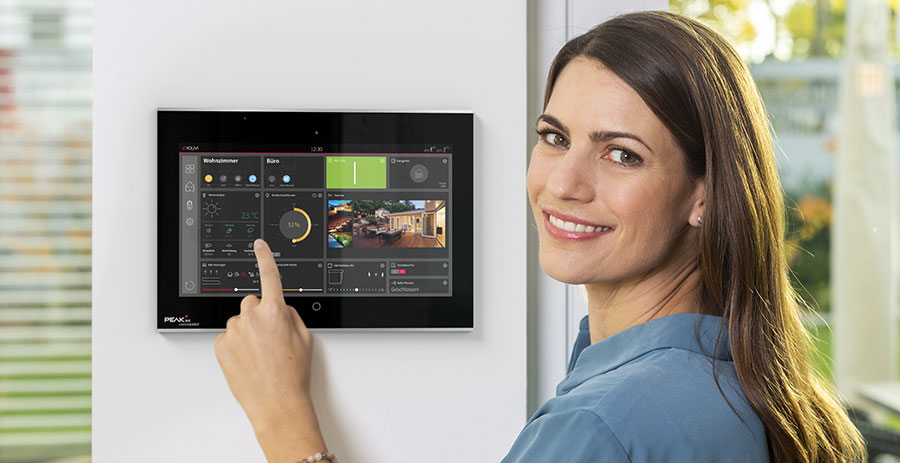
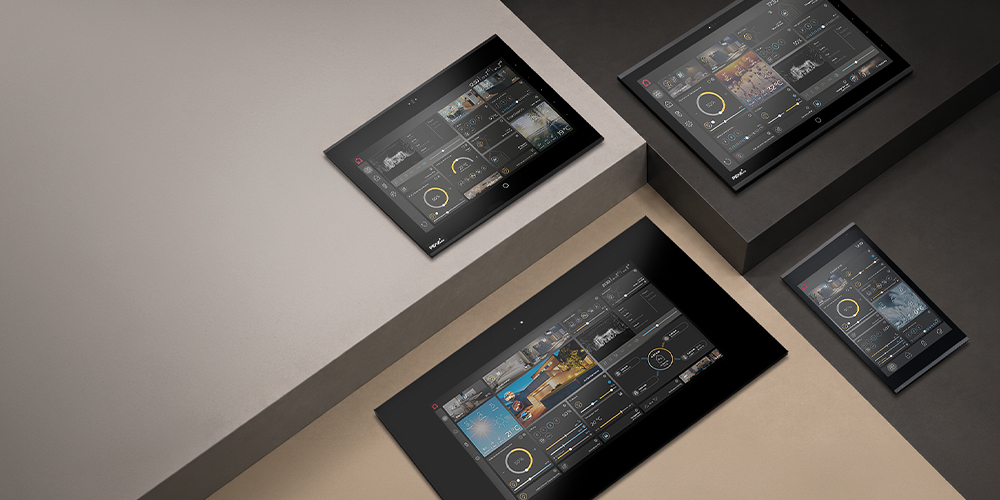
Our modern KNX panels are far more than simple control devices. As central all-in-one solutions, they bring building control, visualisation and a range of additional functions together in a single system. Discover the benefits of our multifunctional touch panels and find out which applications are best suited to each model in our range – the Controlmicro, Control 12, Control 16 and Controlpro. Learn why an open system architecture, flexible expansion options and modern KNX visualisation are key to future-proof building automation.
Table of contents
More than just a touch panel
Anyone planning a smart building today faces a wide range of requirements. Building automation plays a key role in meeting them. It needs to operate reliably, be intuitive to use and connect a wide variety of systems. At the same time, building owners, system integrators and users expect to be able to centrally control lighting, shading, heating, door communication and cameras, as well as clearly visualise energy flows. And all of this should be possible in single-family and multi-family homes, office buildings, hotels and other public facilities alike.
However, every additional function also increases the challenges involved in planning, operation and long-term use. Building automation should simplify complex processes rather than make them more complicated. This calls for solutions that bring different functions together in a central user interface, adapt flexibly to different projects and continue to meet users' needs in the future.
As a result, the role of touch panels in building automation is changing too. A KNX panel is no longer simply a control device on the wall. It has evolved into an important link between users and intelligent building technology. Modern KNX touch panels can do far more than control individual functions. They provide an intuitive and convenient way to interact with even complex building automation systems.
But what does a touch panel need to offer today to meet these requirements? That is exactly what we explore in the following sections.
What modern buildings require from a touch panel
When choosing a KNX touch panel, display size, design and the right mounting location all play a part – but there is much more to consider. The key question is what role the panel is expected to perform within the building. Is it simply there to control individual functions, or should it also provide the visualisation, act as a KNX server, display energy flows and integrate door communication? Should users also be able to control the building via an app? And can the solution adapt to new requirements in the future?
Requirements vary depending on the type of building and how it is used. In a single-family home, for example, the focus is often on comfort and energy efficiency. In office buildings, hotels or public facilities, the system may need to accommodate different user groups, manage different access permissions or provide central control of a larger number of rooms, floors and other areas of the building. Some requirements, however, apply regardless of the project.
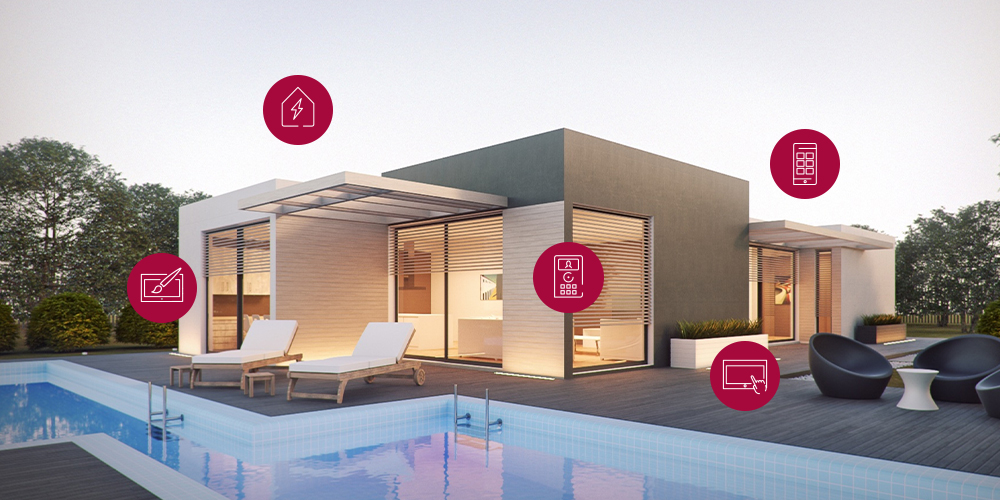
These include:
- Central control of all key building functions
- Intuitive KNX visualisation
- Energy flows and consumption data available at a glance
- Integration of door communication and IP cameras
- App control and remote access
- Durable hardware designed for continuous operation
- Modern design
- Open system architecture
Why multifunctionality matters today
Expectations of modern building automation have continued to grow in recent years. At the same time, technology is expected to become easier, clearer and more convenient to use. This is where the fundamental difference between conventional control panels or tablets and multifunctional KNX touch panels becomes apparent.
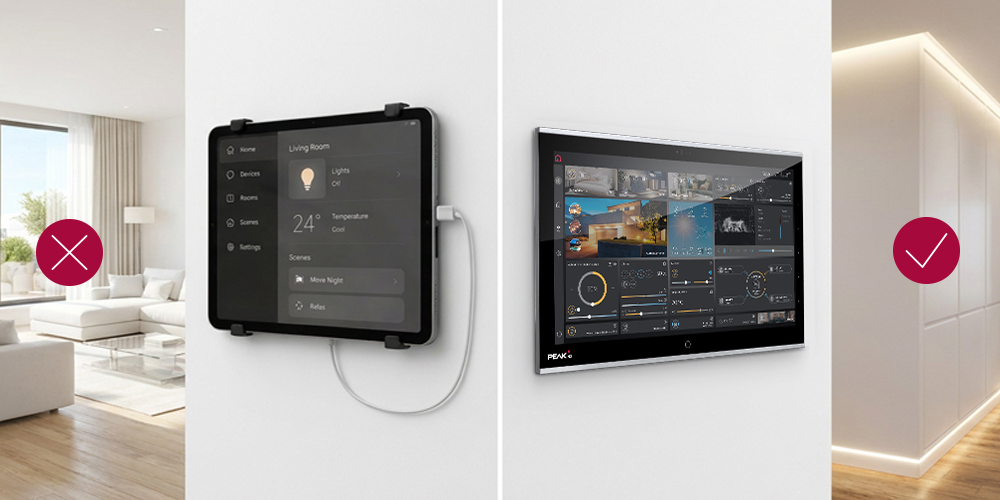
Many touch panels primarily serve as user interfaces. Additional functions such as a KNX server, IP router or app control are then provided by separate systems and software solutions. As a result, system integrators and users often have to work with multiple user and configuration interfaces that need to be set up, maintained and coordinated with one another.
Our PEAKnx touch panels take a different approach. As all-in-one solutions, they combine a control panel, KNX server, KNX IP router, our YOUVI visualisation software and app control in a single system. Door communication can also be handled via the touch panel. If, for example, someone rings the doorbell in a smart home, residents can immediately see on the panel who is outside, speak to the visitor and open the door. The panel therefore also acts as an intercom, eliminating the need for a separate indoor station. This means users do not incur the additional cost of another control device.
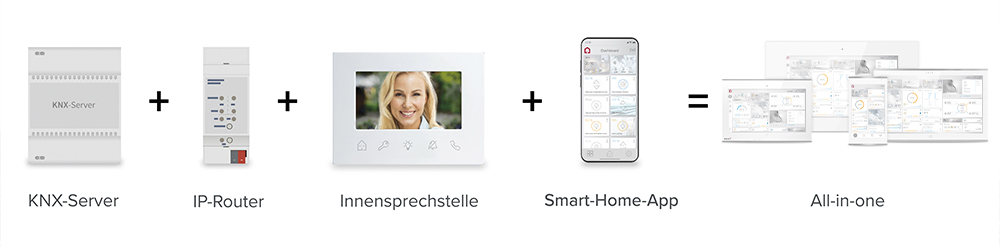
The panels run on Windows IoT Enterprise LTSC. This not only enables the use of YOUVI, but also supports other Windows-based and web-based visualisation solutions as well as browser applications. The KNX panel can also be used as a client.
For system integrators, this means less effort when it comes to planning, commissioning and maintenance, as key functions are combined in a single solution. Building owners and users benefit from a consistent user interface and a flexible system that can adapt to different requirements and be expanded when needed. This provides a future-proof foundation for high-performance building automation.
What all PEAKnx touch panels have in common
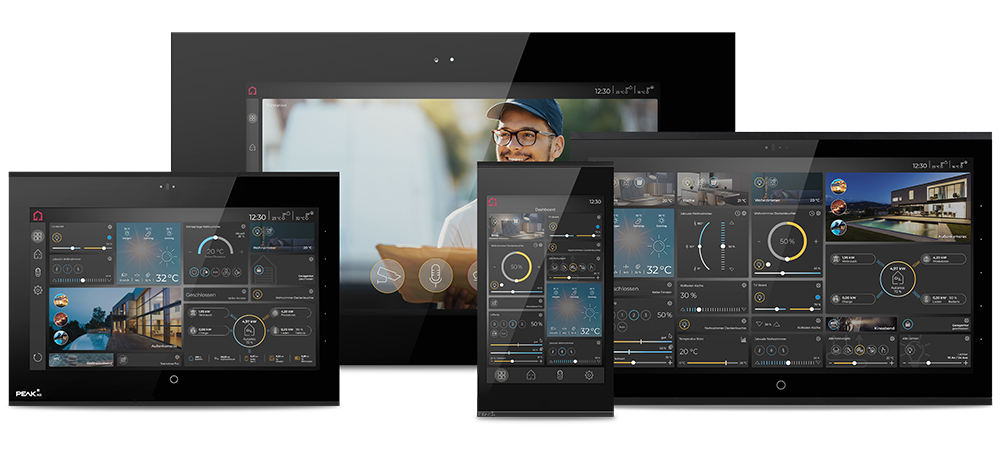
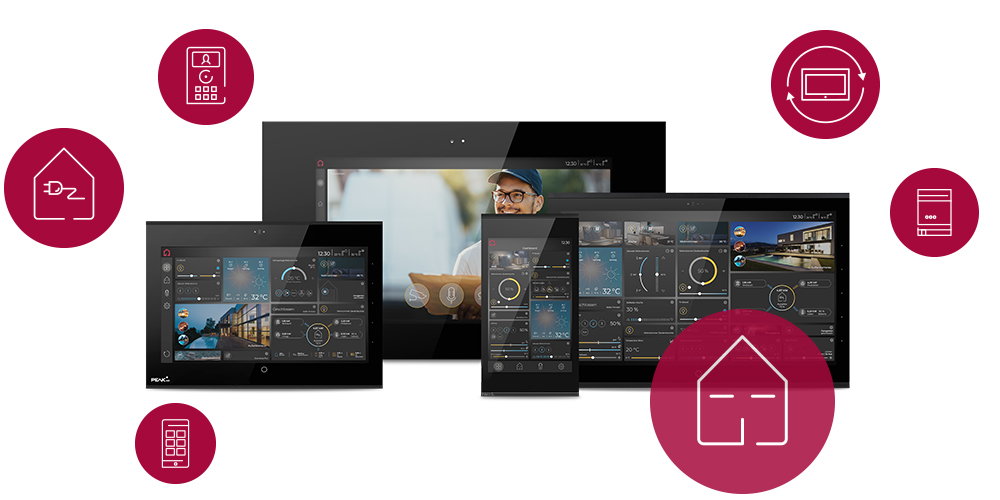
Our touch panel range comprises four models for different requirements and applications. From compact KNX room controllers to powerful touch panels, all models are based on the same core concept. Each touch panel is designed as a multifunctional all-in-one solution, combining key building automation functions in a single device.
As already mentioned, standard features include an integrated KNX server, a KNX IP router and YOUVI Basic visualisation software. All panels run on Windows IoT Enterprise LTSC. This means that, in addition to YOUVI, they support other Windows-based and web-based visualisation solutions as well as browser applications and can also be used as clients.
Depending on the model, the touch panels offer additional features. A comparison of these features can be found at the end of the next section.
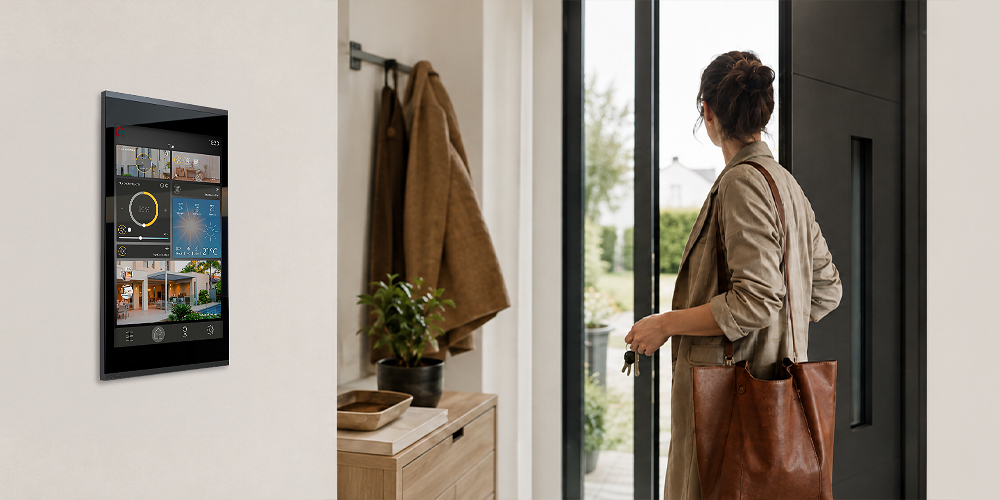
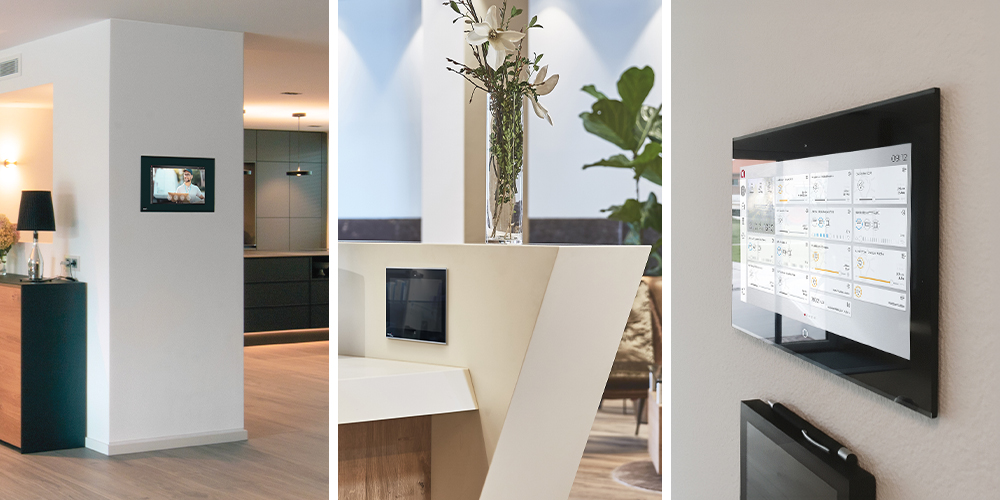
A touch panel is not only used every day, but also becomes a permanent part of the room. Particularly in residential settings, hotels, offices or representative spaces, it should therefore blend naturally into its surroundings rather than look out of place on the wall. The choice of mounting option alone can influence how prominently the panel features within the room. Depending on the model, options range from surface-mounted and flush-mounted installation to flush-with-the-wall integration.
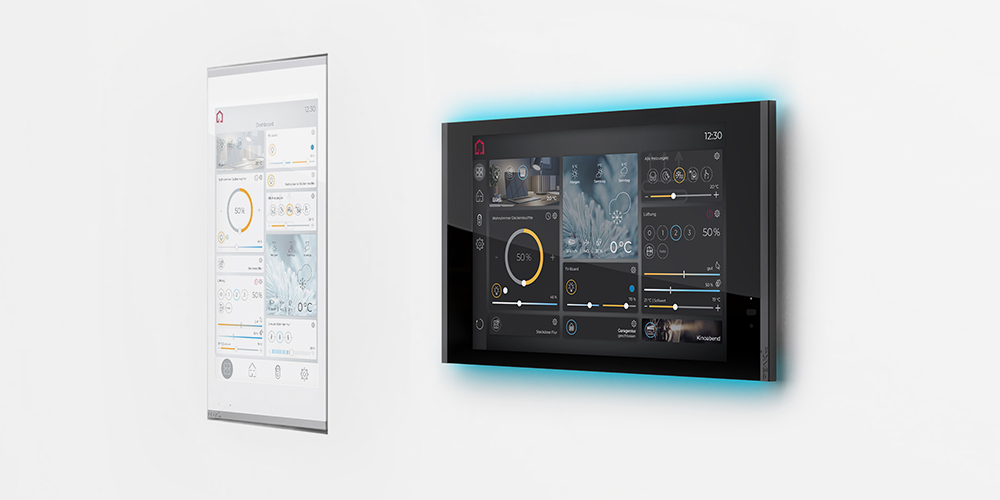
The appearance of the panel itself can also be adapted to its surroundings. On the Control 12, Control 16 and Controlpro, the standard black or white front glass can be replaced in seconds thanks to a magnetic mechanism – for example, with a custom-printed front glass designed to complement the interior or corporate design.
Even when the panel is not in use, it can complement the overall look of the room. The screensaver on all touch panels can be personalised with your own images, graphics or photographs. When the display is idle, it can therefore show an image that matches the interior or wall design. By coordinating the screensaver with the front glass, it is even possible to create the impression of a seamless image across the wall, allowing the technology to visually recede into the background.
Four panels – four areas of application
Not every building has the same requirements for a KNX touch panel. While a compact, unobtrusive control centre may be all that is needed in one room, other projects call for a larger visualisation area, more processing power or specific design options. No single touch panel can meet the needs of every application, which is why different models are available for different requirements.
With our touch panel range, we offer the right solution for a wide variety of projects. All models are based on the same core concept, but differ in terms of display size, performance and typical applications.
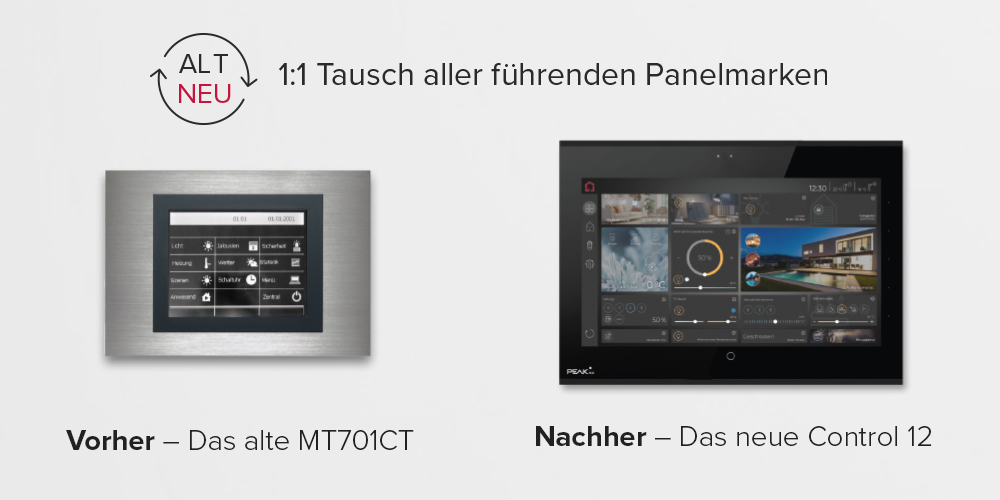
Another factor when choosing the right touch panel is whether it is intended for a new build or for the modernisation of an existing KNX installation. If an older touch panel is already installed in the wall, replacing it does not necessarily require changes to the existing installation. For numerous older KNX panels from different manufacturers, we offer suitable replacement kits with the corresponding adapters. When replacing an old panel with one of our current touch panels, the existing flush-mounted box can continue to be used. In many cases, this avoids the need for extensive structural alterations. The overviews for each touch panel show which existing panels can be replaced by which PEAKnx model.
The Controlmicro: When a compact all-in-one solution is needed
Not every project calls for a large visualisation area. Some simply require a particularly space-saving all-in-one solution that can be flexibly integrated into a wide range of buildings.
The Controlmicro comes into its own wherever full KNX control is required in the smallest possible space.
Read more
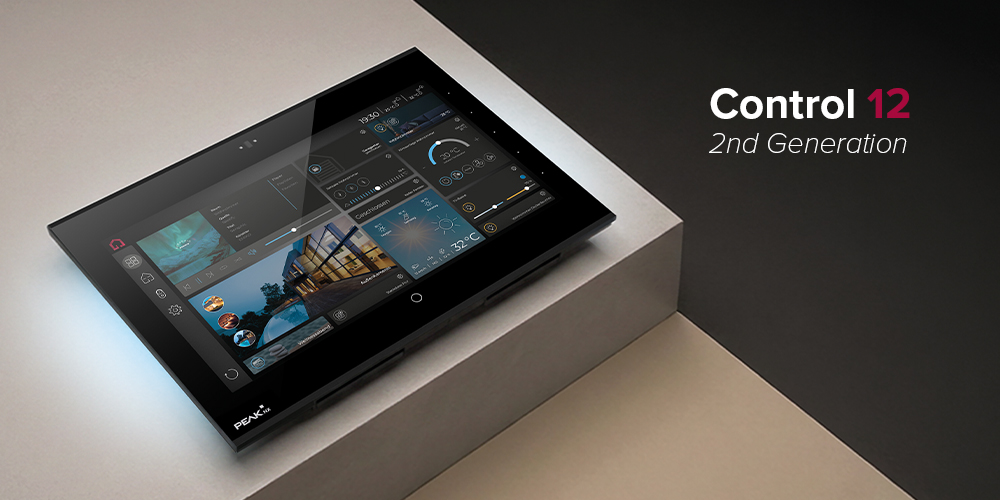
The Control 12: When everyday convenience matters
A touch panel is a building automation component that is used every day and remains permanently visible. It accompanies residents or users throughout their daily routines – from controlling lighting, shading and heating to viewing camera images, communicating with visitors at the door and visualising energy flows. Expectations are therefore high: operation should be intuitive, frequently used functions should be quick to access and, at the same time, the panel should blend harmoniously into the architecture.
These requirements were at the heart of the development of the new second-generation Control 12.
Read more
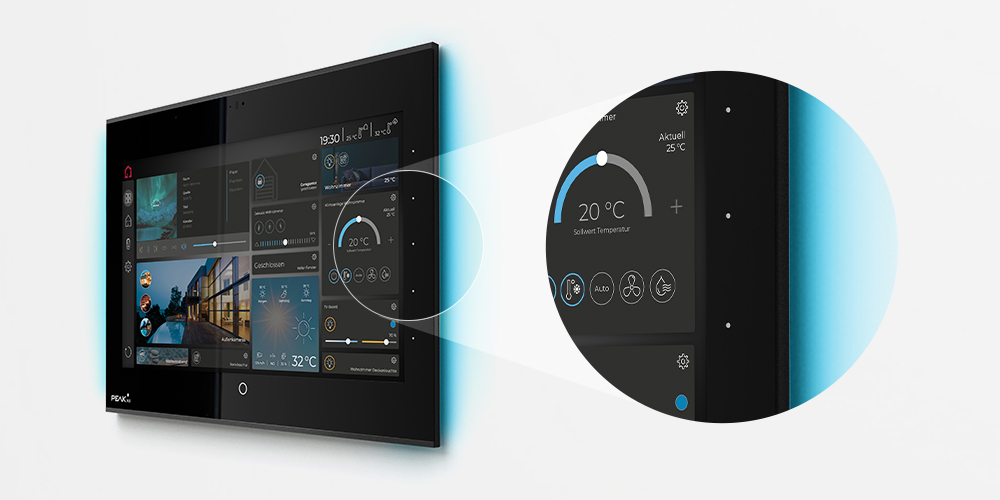
The Control 16: When a clear overview makes all the difference
The more extensive a KNX project becomes, the more important it is to have a visualisation that helps users keep track of everything. More rooms, additional functions, camera images and energy information should ideally be visible at the same time, without users having to constantly switch between different views. A clear visualisation plays a key role in making building automation intuitive and efficient to use.
The Control 16 has been designed with exactly this in mind.
Read more
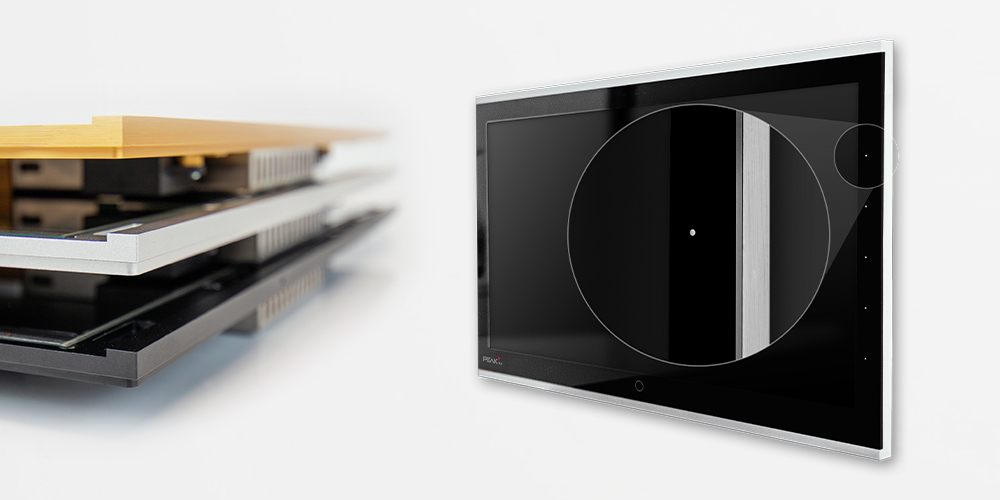
The Controlpro: When performance grows with the project
The more demanding a building automation project becomes, the more important it is to have a touch panel that continues to perform smoothly even when handling a wide range of functions and applications. Whether in a high-end smart home, hotel, office building or holiday property, sufficient performance reserves are essential wherever visualisation, door communication, cameras, multimedia and other applications come together at a central point.
The Controlpro is available in three performance variants.
Read more
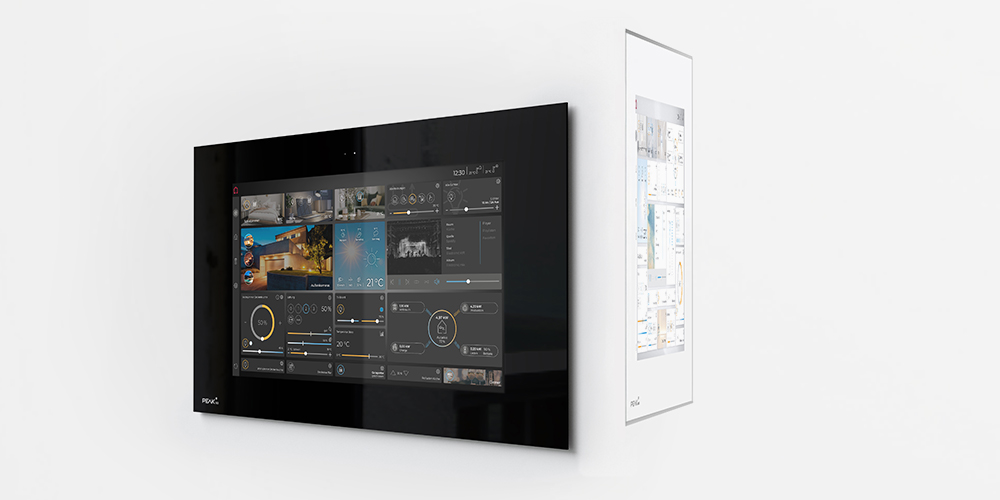
Software brings building automation to life
No matter how intelligently a building is designed, it only delivers its full value when all the required functions are easy and intuitive to use. No one wants to spend time searching for the right function or use different interfaces to control lighting, shading, heating and other areas. Good visualisation software therefore brings the various functions together in a central, intuitive user interface.
With YOUVI, we have developed a KNX visualisation solution that goes far beyond a conventional user interface. YOUVI Basic is included with all four touch panels. It enables users to control and visualise their KNX installation and can be expanded with additional modules and bridges depending on the project.
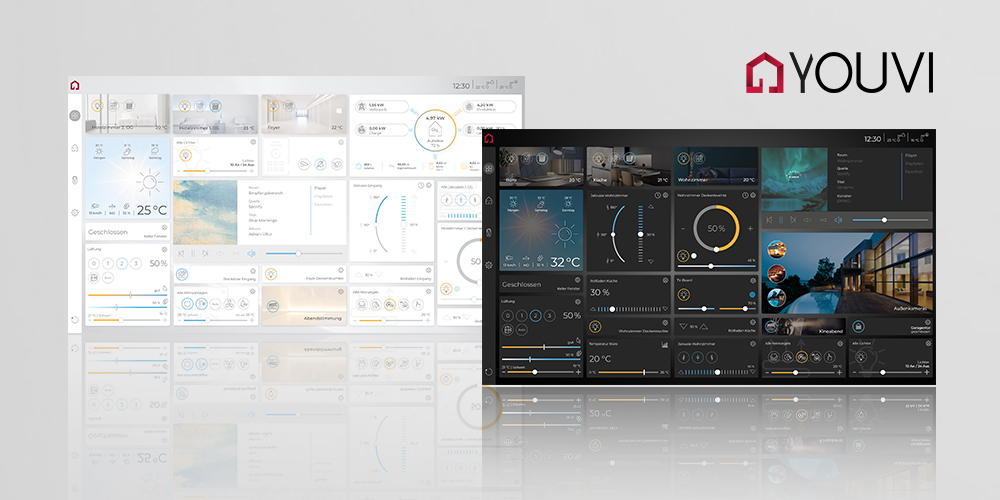
And not everything has to be decided from the outset. In addition to visualisation, YOUVI Basic already includes numerous functions for everyday building control. These include the YOUVI Mobile App, which allows users to conveniently control the building from their smartphone. If additional smart functions are required later on, YOUVI can be expanded accordingly. For example, dedicated YOUVI modules are available if you want to operate the door station directly via the visualisation, access camera images, control the building remotely or use voice commands to control your smart home.
There are several options for users who want to control their building by voice. In addition to Alexa, KNX devices can be controlled with Siri via Apple Home or with Google Assistant via Google Home. Users who prefer their voice commands to be processed entirely locally can opt for ProKNX Aragon offline voice control.
Custom logic and routines can also be added, allowing the building to respond automatically to specific situations. If an open window is detected, for example, the heating in the relevant room can be turned down automatically. Shading can also be controlled according to the position of the sun. In this way, building automation takes care of recurring processes automatically, without users having to intervene each time.
Integrating other smart systems into YOUVI
In practice, however, smart buildings rarely consist exclusively of KNX components. You may also want to control an existing sound system, lights from different manufacturers, the air conditioning or the photovoltaic system via the central visualisation. To avoid the need for separate control solutions for these systems, YOUVI can be connected to other smart ecosystems via a range of YOUVI bridges. Multi-room audio systems from Sonos, Revox, trivum or Bluesound, lighting solutions such as Philips Hue or Yeelight, various IKEA Trådfri devices, as well as weather and energy management systems, can all be integrated into YOUVI. Once connected, the devices appear directly in the visualisation and can be controlled alongside the KNX functions.
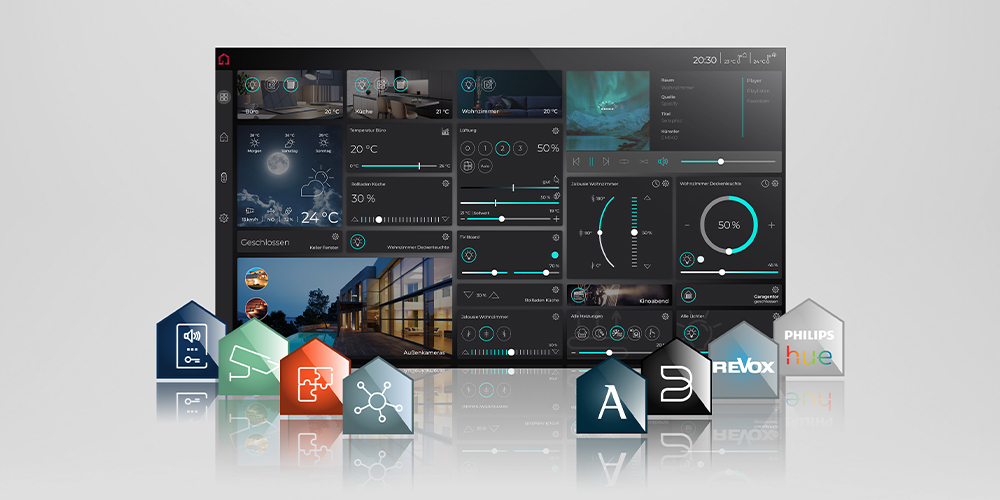
Users can also adapt the user interface itself to their personal needs and daily routines. In addition to the standard controls, YOUVI offers a range of widgets that display additional information and functions directly on the dashboard. For example, users can view energy and consumption data clearly within the visualisation or use web widgets to integrate websites and web-based applications directly into the dashboard. This gives them direct access to important information and frequently used applications from their YOUVI dashboard, putting everything they need for everyday use in one place.
Creating individual views with the Custom Page
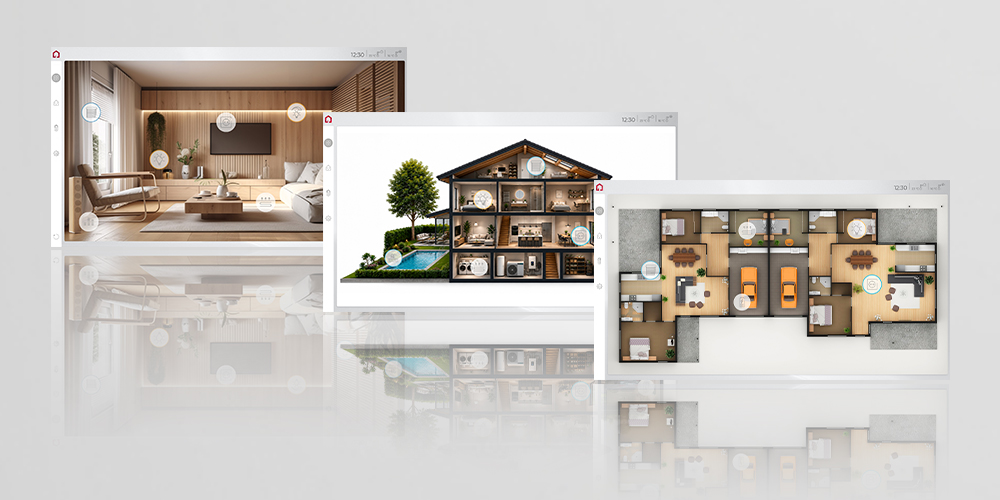
The Custom Page makes it possible to personalise the user interface even further. Users can, for example, use a floor plan or an image of their room as the interface and position freely configurable icons wherever the corresponding functions are actually located in the building. Tapping an icon opens the relevant widget. And there is no need to stop at a single view: multiple Custom Pages can be linked together, allowing users to navigate, for example, from a building plan to the desired floor and then to an individual room. These personalised views can be used on the dashboard or within a room and are available both on the touch panel and on mobile devices.
In addition to arranging functions to suit their individual needs, users can also customise the look of their visualisation to their personal taste. Various layouts, light and dark display modes, freely selectable accent colours and custom background images are available. This gives smart home residents control not only over how they interact with YOUVI, but also over how their personal visualisation looks. Businesses and hotels can also tailor the visualisation to their corporate design.
How the ETS project becomes a visualisation
What should be simple and intuitive for users also needs to be efficient to set up. The system integrator lays an important foundation for this by configuring the project correctly in ETS. Once the KNX project has been prepared accordingly, it can be imported directly into YOUVI. YOUVI identifies the KNX devices and automatically creates a basic structure for the visualisation. This means that rooms and devices do not have to be created again manually from scratch. The system integrator can then continue working on the visualisation in the project editor, tailoring it to the building and the users’ requirements.
For users, one thing above all matters with YOUVI: they do not need to deal with the different systems running in the background, but instead find all the functions that matter to them in one central place. And if their requirements change later, the visualisation can be adapted accordingly.
When the building evolves
Building automation should be planned with foresight for many years to come. However, the way a building is actually used can change over time. Rooms may be used differently, new devices may be added, and expectations regarding operation and visualisation may also evolve. This makes it all the more important to consider not only current wishes and requirements when planning.
Flexibility in software and system integration
YOUVI is also continuously being enhanced with new possibilities. Users can help shape which functions will be particularly important in the future: On our YOUVI development platform, they can view planned functions, submit their own requests and rate suggestions. New functions can also be tested in advance as part of beta tests. This allows experiences and requests from the community to feed directly into the further development of YOUVI.
Another important basis for long-term flexibility is the open nature of our touch panels. Users are not permanently tied to a specific visualisation solution and can use other Windows- and web-based solutions as well as browser applications in addition to YOUVI. This openness is made possible, among other things, by the Windows operating system and does not require the hardware to be replaced.
At the same time, depending on the project, the touch panels can be used for building automation not only as standalone all-in-one solutions with an integrated KNX server, but also as clients. For example, they can work with an existing server instead of taking on this task themselves.
Hardware for long-term use
Anyone using a permanently installed touch panel for many years expects more than just flexibility in the choice of software and integration into the overall system. The hardware should also be designed for long-term use. All our KNX touchscreens have no moving parts and are therefore maintenance-free and silent. A sophisticated thermal management system protects the technology from failures and ensures that the heat generated is distributed evenly across the front of the panel. At the same time, this prevents streaking on the wall caused by heat and dirt.
Easy replacement even after many years
However, even long-lasting hardware eventually needs to be modernised or replaced. With a building automation system that has been in use for many years, the question then arises as to how a permanently installed touch panel can be replaced as easily as possible. Especially when replacing an older or defective model, it is an advantage if existing flush-mounted boxes can continue to be used and no major structural work is required. This is why we offer the replacement solutions mentioned above for numerous older KNX touch panels.
Multifunctional touch panels in practice
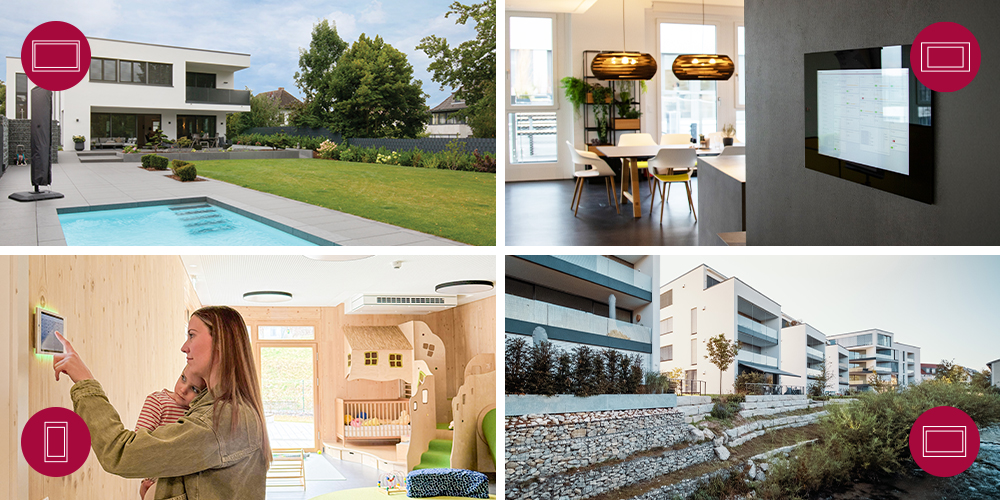
The wide range of requirements for central building control becomes particularly clear when looking at real-life projects. A smart single-family home has different priorities from a holiday home, an office or a publicly accessible building complex. In some cases, the main focus is on intuitive everyday operation; in others, it is about integrating numerous functions for different users or incorporating the technology into the architecture as discreetly as possible. The following projects show what this can mean in practice, with our touch panels taking on very different roles.
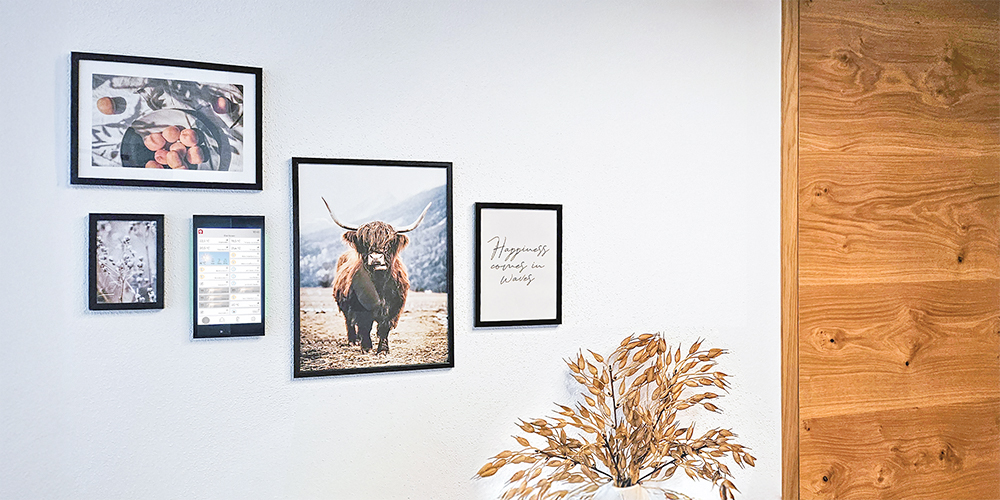
A single-family home in Upper Austria shows how technology can be seamlessly integrated into the living space. As part of an extensive KNX retrofit, a Controlmicro became the central control point for numerous functions – from lighting and shading to door communication and the multi-room audio system. Its placement is particularly discreet: the smart home panel was integrated into a picture gallery and changes its screensaver when idle. This allows it to blend into the wall design among the surrounding pictures while remaining readily accessible for smart home control at all times.
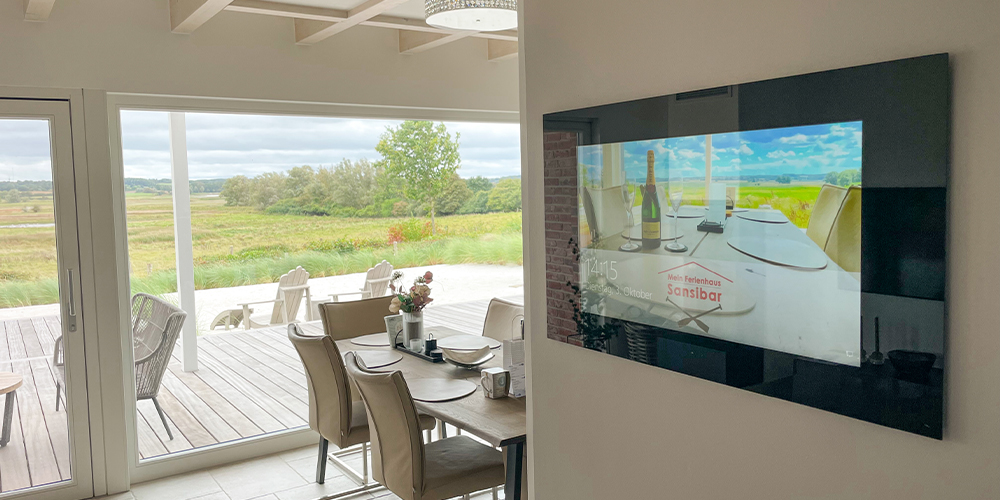
The requirements are quite different at the “Sansibar” holiday home near the Baltic Sea. Here, numerous functions and components – including lighting, sun protection, air conditioning, multi-room audio, a sauna, outdoor hot tub and wallbox – need to be easy to use for a regularly changing stream of holiday guests. These guests should be able to use the technology without having to familiarise themselves with the building automation system or set up their own app during their stay. YOUVI therefore brings all the functions together in a central user interface that is intuitive to use, even for changing guests.
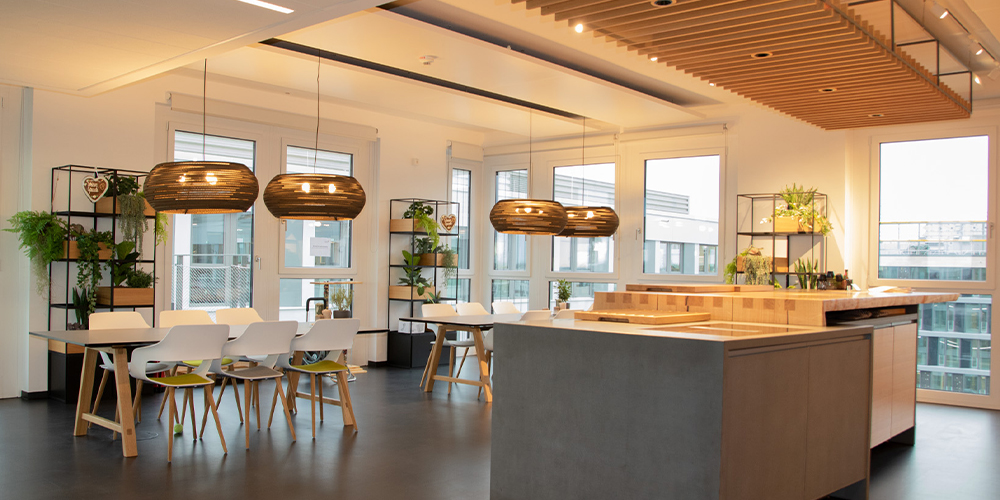
The office of lise GmbH in Cologne demonstrates how the way a building is controlled also needs to adapt to how it is used. In the open-plan working environment, employees move between different workstations and areas. In addition to the centrally installed Controlpro, they therefore use the YOUVI mobile app to control building automation functions directly from wherever they are working. Lighting, shading, presence control and the audio system thus become part of a flexible working environment.
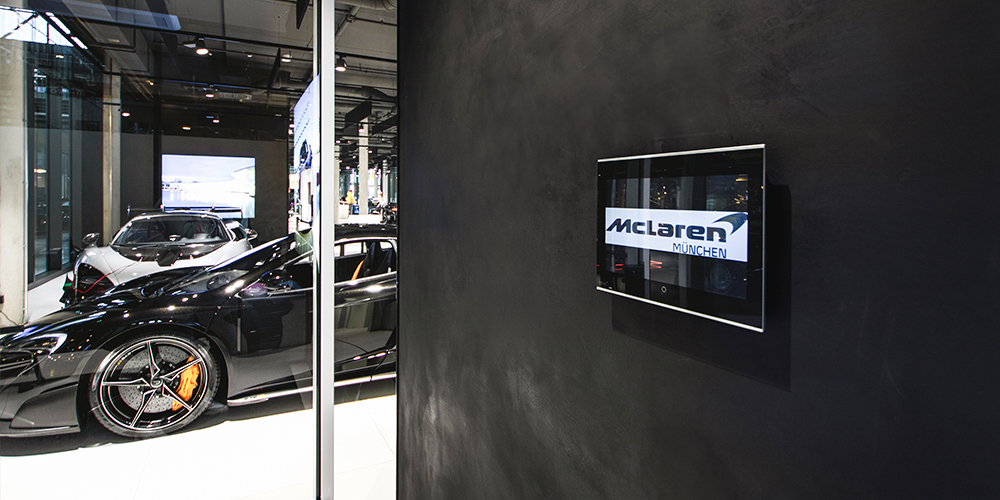
Building automation takes on an entirely different dimension at Motorworld Munich. The extensive building complex brings together a wide variety of uses – from public areas and restaurants to event spaces and individually used rental units. The touch panels installed there therefore perform different tasks depending on the area, providing different functions and individually adapted visualisations. The panels are each used in conjunction with the Gira HomeServer. In addition to KNX, other systems such as DALI, DMX and Crestron are also integrated into the building control system.
Conclusion: Multifunctional touch panels as a long-term solution for building automation
The more functions a smart building incorporates, the more important it becomes to have a central control unit that is simple and intuitive to use. Multifunctional touch panels bring different areas of building automation together in a single user interface. As all-in-one solutions, our PEAKnx touch panels also combine a KNX server and KNX IP router in a single device, with YOUVI Basic already providing the visualisation and accompanying app.
Which panel is the right choice depends on the individual project. Display size, performance and mounting options are just as important as the required visualisation, additional systems and who will be using the building. With four touch panels designed for different requirements and the flexibly expandable YOUVI visualisation, we offer solutions for a wide range of building sizes and applications.
At the same time, it is worth looking beyond current requirements from the planning stage onwards. Open, Windows-based panels, different options for integration into the building automation system and an expandable visualisation provide the flexibility needed when new devices or functions are added later on or the way the building is used changes.
Energy efficiency is also becoming an increasingly important consideration. Regulatory developments such as the European Energy Performance of Buildings Directive (EPBD) underline the growing importance of energy monitoring and intelligent control. Our touch panels and YOUVI already provide functions for energy monitoring and management. Energy and consumption data can be clearly displayed in the visualisation, giving users greater transparency into energy consumption throughout the building.
However, future-proofing is not only about the functions of a building automation system, but also about the hardware installed. When modernising existing KNX installations, suitable replacement solutions often allow existing flush-mounted boxes to continue to be used.
The result is a building control solution that is not only convenient to use today, but also remains open to whatever the future may bring. True to our motto: “We bring the future into your home.”
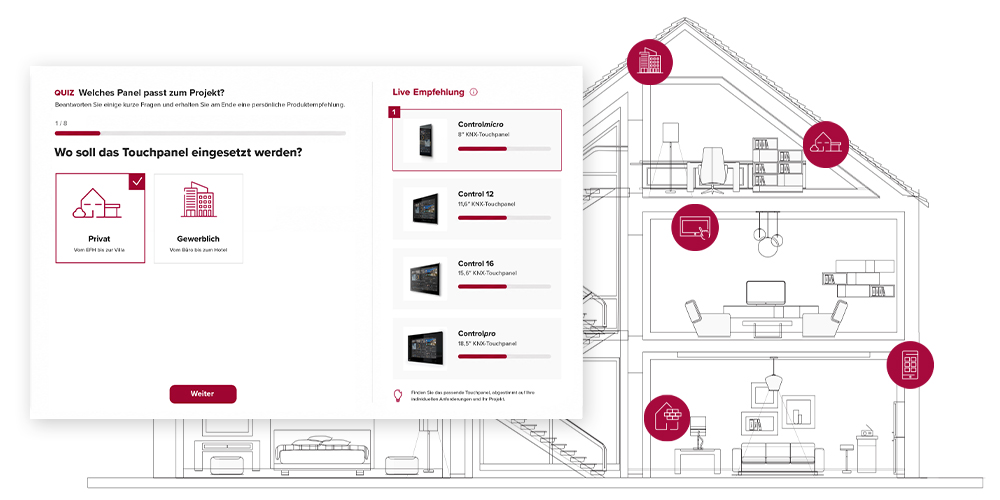
Quiz: Which touch panel is right for my project?