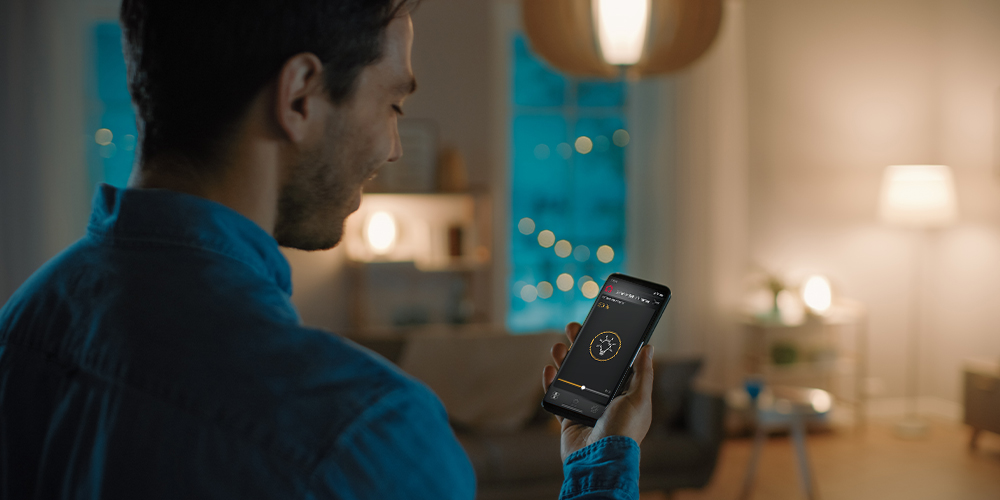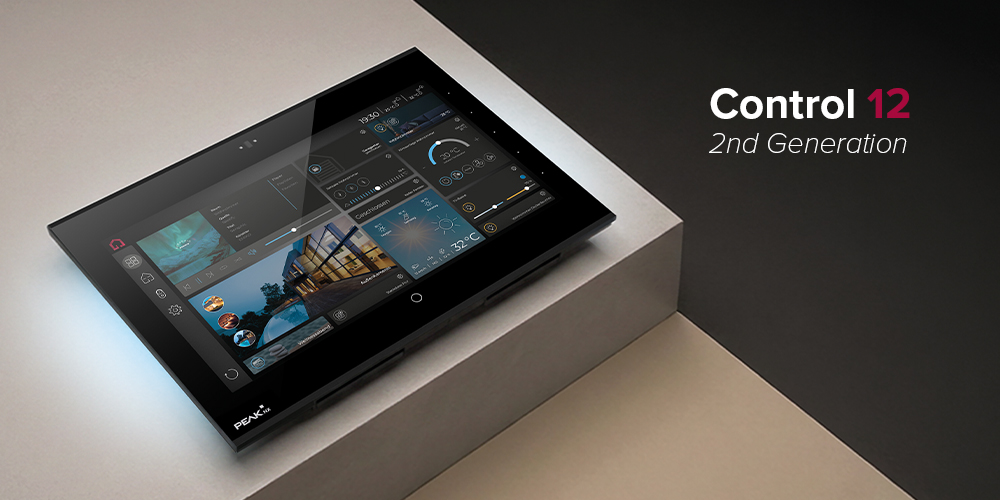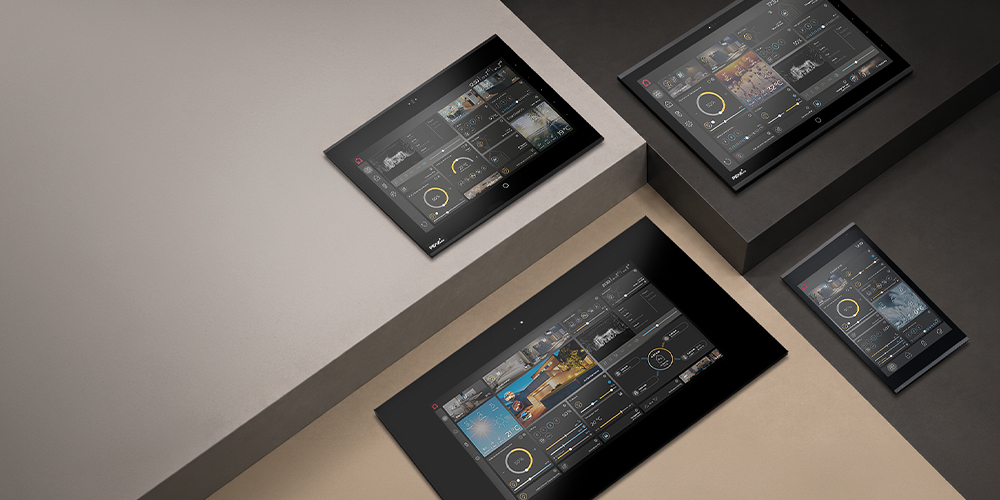
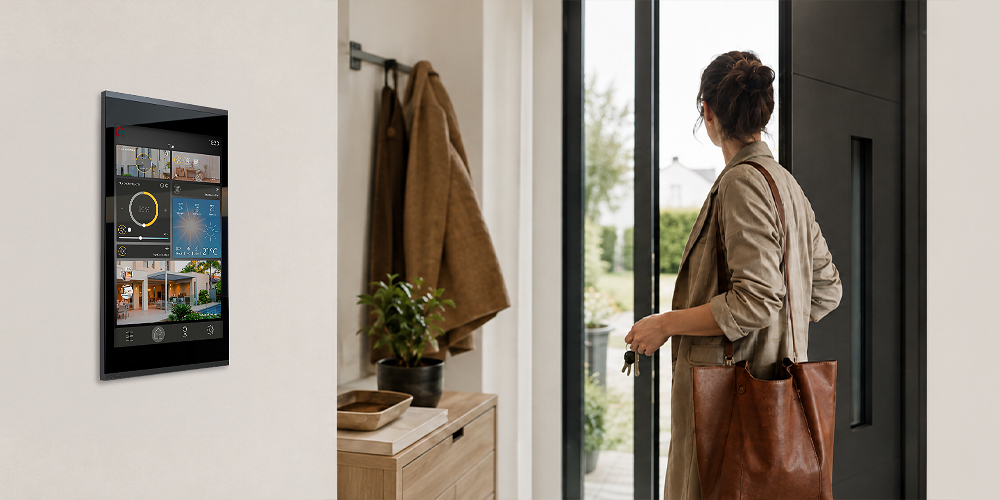
You are standing by the front door in the morning. A bag in one hand, car keys in the other. Just before leaving the house, a thought crosses your mind: Is the light upstairs still on? Are all the windows closed? Has the heating been turned down? Of course, you could take your smartphone out of your pocket, unlock it and open the right app. Or you could simply tap the permanently installed KNX touch panel in the entrance area. A scene such as “Leave home” can set the lighting, shading, heating and other integrated functions to the desired state. At the same time, you can see at a glance whether, for example, a window is still open. Situations like these demonstrate why permanently installed KNX displays continue to play an important role in modern smart homes and smart buildings – despite apps, voice control and increasingly powerful automation. Because the smarter a building becomes, the more important a clearly defined interface between people and the building becomes.
Contents
In brief: Why does a permanently installed KNX panel make sense?
A permanently installed touch panel provides an always-available control and information point for building automation. It can centrally display and control functions such as lighting, shading, heating, air conditioning, door communication, cameras, energy information and scenes. Unlike a smartphone or tablet, a permanently installed panel is functionally part of the building. It has a defined location and makes the relevant building functions available exactly where they are needed. A touch panel does not replace automation, apps or voice control. Instead, each form of control serves a different purpose.
An intelligent building does not need less control – it needs better control
The aim of well-designed building automation is to automate as many recurring processes as possible. Shading, for example, can respond to sunlight. Heating follows predefined setpoints. Lighting can be controlled according to occupancy. Scenes combine several functions. But even the best-planned automation cannot anticipate every everyday situation. Perhaps guests arrive unexpectedly and the planned evening scene no longer fits. The children go to bed earlier than usual. A meeting room is being used differently today. Or the blinds need to remain open despite strong sunlight. In situations like these, people need to be able to intervene. The touch panel provides the interface between people and building automation. It translates technical processes into an understandable interface, making functions visible, transparent and adjustable whenever required. The key question is therefore not how to eliminate every form of manual control, but: How can a building be automated while still allowing people to take control easily and intuitively at any time?

Touch panel, smartphone, voice control or automation: Which is better?
None of these forms of control is inherently better than the others. They perform different tasks and each has its strengths in different situations.
| Control method | Particularly suitable for | Typical limitation |
| Permanently installed touch panel | Central control, shared use, status overviews and scenes | Operation is tied to a defined location |
| Smartphone/app | Personal and mobile control as well as remote access | Personal device needs to be available |
| Voice control | Quick commands such as “lights off” or “open blinds” | Less suitable for complex overviews |
| Automation | Recurring processes without manual intervention | Special cases and individual requirements cannot always be anticipated |
A well-designed smart home therefore combines different forms of control: automation handles routines, voice commands enable quick actions, smartphones provide mobile access and the touch panel serves as a permanent control and information point within the building. So the better question is not: “Touch panel or app?” But rather: “Which form of control is best suited to which situation?”
7 reasons to choose a permanently installed touch panel
1. The smart wall panel is always where it is needed
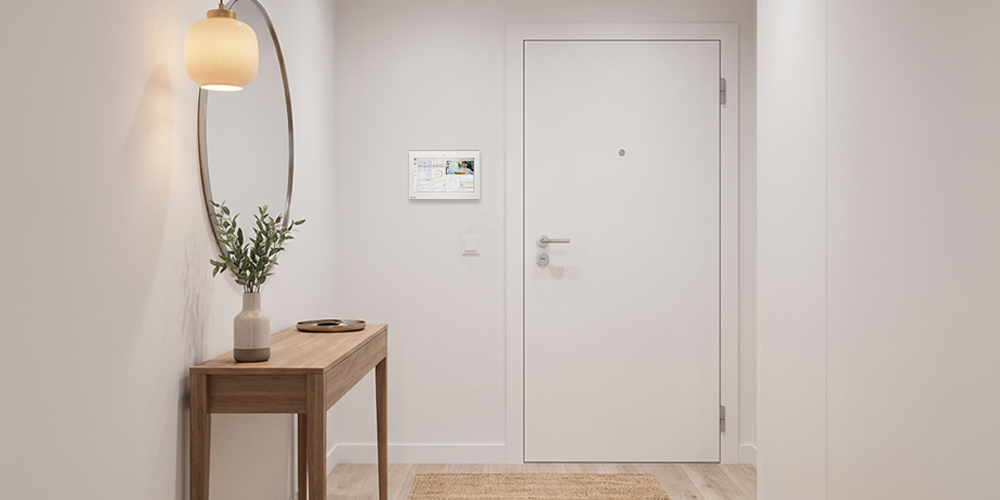
A permanently installed panel has a defined location. This makes it immediately clear where central building functions can be controlled. This is particularly relevant when a building is used by several or changing users – from family members and guests to employees, hotel guests, cleaning staff or facility management teams. Control therefore becomes part of the building rather than a function tied to one particular personal device. Practical tip: A central control point is particularly useful in locations where decisions involving several building functions are regularly made – for example, in the entrance area or in central living and communal spaces.
2. A touch panel provides an overview of the building
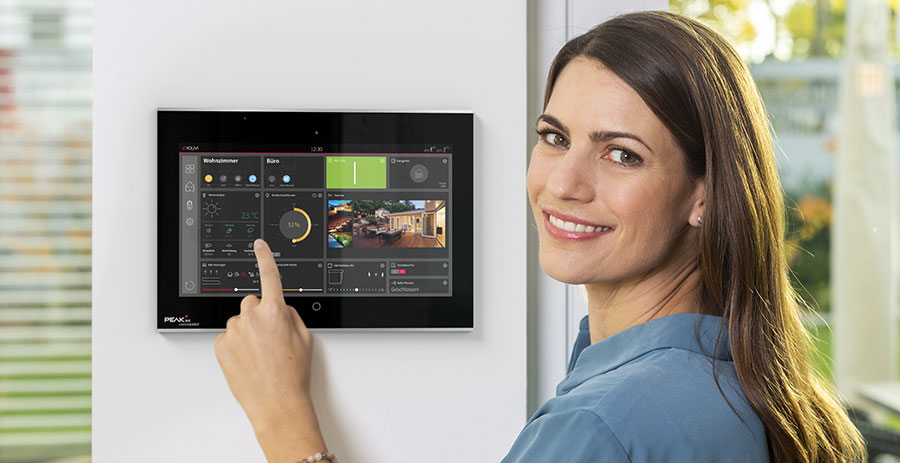
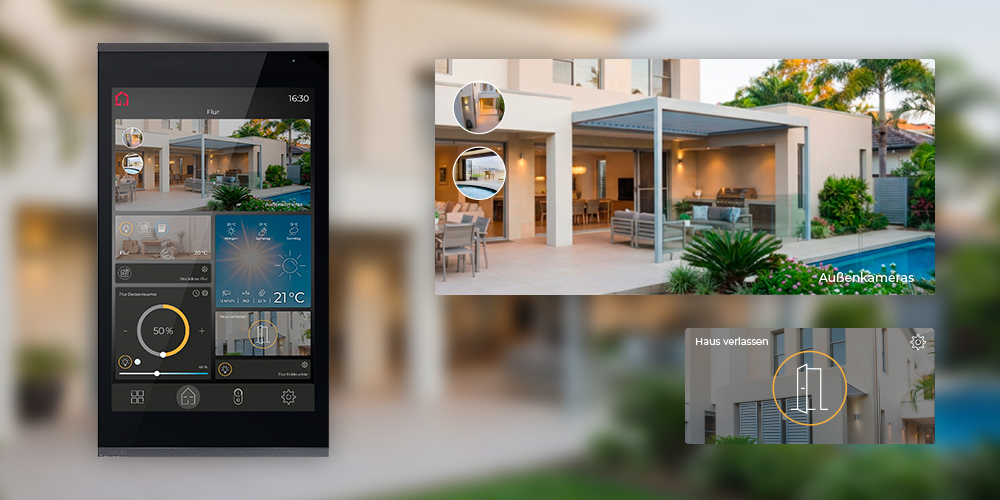
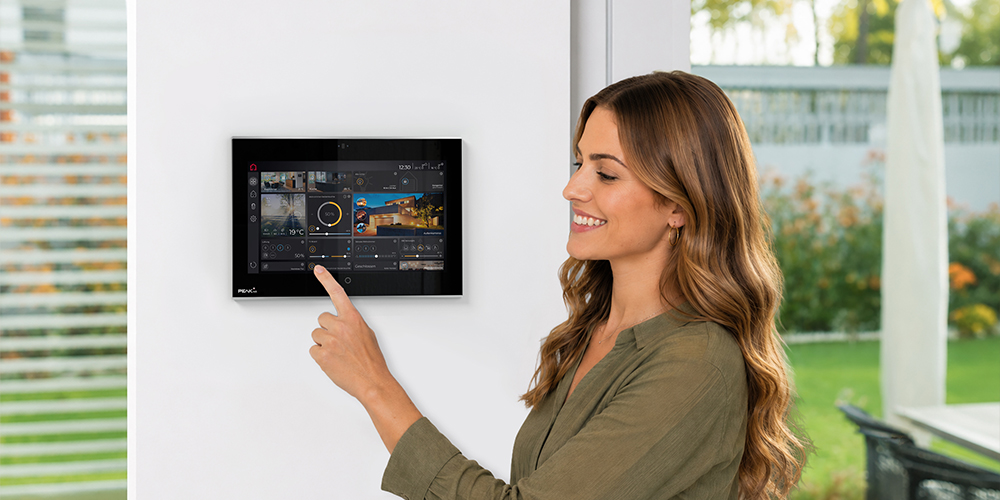
Many smart home functions operate invisibly in the background. A visualisation can bring relevant statuses together in one place. To make this information centrally available at all times, however, it is not only the display that matters – the visualisation is equally important. On PEAKnx touch panels, the YOUVI KNX visualisation can run directly on the device. This brings lighting, shading, heating, door communication, cameras and other building functions together at a central control point without requiring additional visualisation hardware:
- Which lights are still switched on?
- Are any windows or doors open?
- What room temperatures are set?
- What position are the blinds or shutters in?
- What is the weather station reporting?
- Has someone rung the doorbell?
- Which camera feeds are available?
- What is the current energy consumption?
- Are there any notifications or faults?
Especially in larger buildings or properties with several floors, this provides a significant advantage:
users can gain an overview without having to check every room individually.
3. A touch panel brings different building services together
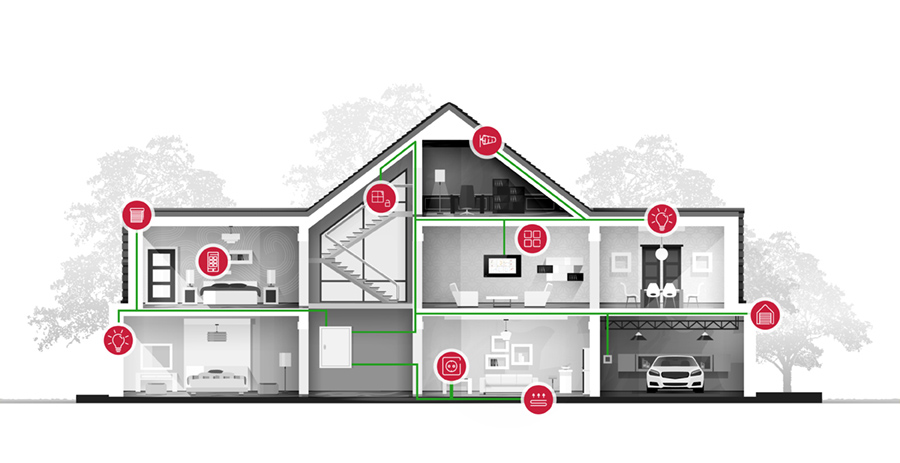
Modern building automation has long since moved beyond lighting control. Lighting, shading, heating, air conditioning, door communication, cameras, weather data, multimedia and energy management can all form part of one integrated system. Without an overarching control concept, however, this can quickly result in different control methods and isolated solutions. A touch panel can bring these functions together within a single visualisation. This is where KNX particularly demonstrates its strengths: cross-system building networking becomes accessible to the user through one consistent interface. Individual technical functions therefore become a control concept for the entire building.
PEAKnx develops its control panels specifically with KNX-based smart homes and smart buildings in mind. The aim is not simply to install another screen on the wall, but to integrate visualisation and building control permanently into the building's overall usage concept.
4. The interface works for different users
Building technology is rarely used by just one person. At the same time, not every user should need technical knowledge or have to set up a personal app before they can use it. A permanently installed panel can therefore provide a shared, clearly defined interface. This becomes particularly apparent in rooms with changing users. A hotel guest, visitor or employee does not need to understand the technical infrastructure behind the system. What matters is that the functions intended for them are clearly and intuitively accessible. The same applies in a private smart home: guests do not need the homeowner's smartphone or access to their personal user account to operate the building functions made available to them.
5. Complex building technology becomes easy to use
Modern building automation can involve numerous sensors, actuators, communication objects and technical dependencies. In everyday use, people should notice as little of this complexity as possible. When someone wants to watch a film in the evening, they do not want to adjust several building services individually. Instead, they might select the “TV” scene. When leaving the house, they do not want to check the lighting, heating and shading separately. They simply select “Leave home”.
A good control concept translates technical complexity into understandable functions and scenes, such as:
- Good morning
- Leave home
- Welcome
- Evening
- TV
- Guests
- Night
- Meeting
- All off
The number of automated functions alone therefore does not determine how smart a building feels in everyday use.
What matters is how easily people can use these functions.
6. The touch panel becomes part of the architecture
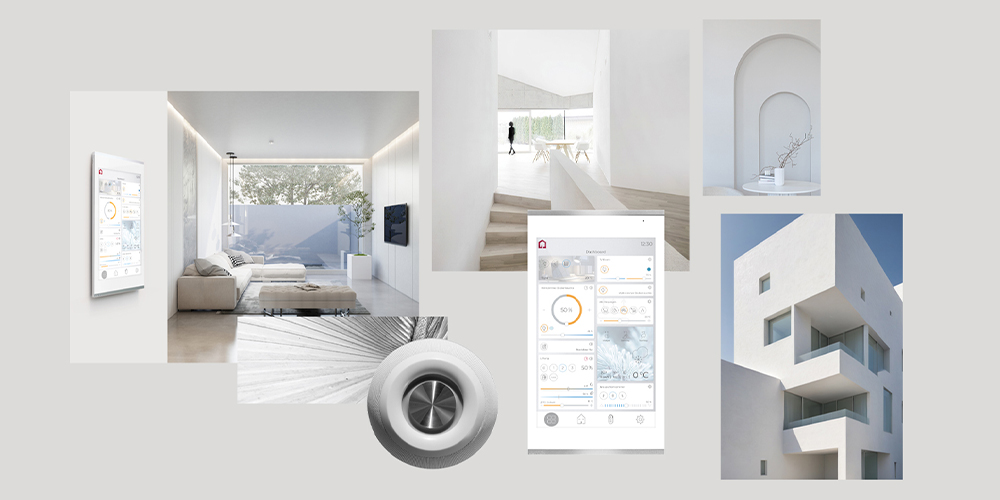
In a new build or high-quality refurbishment, light switches, sockets, door communication, shading and other elements are deliberately integrated into the architecture. The same principle can apply to central building control. Position, installation height, display size, mounting method and design can all be considered at an early stage. Power supply, network connections and the necessary technical infrastructure can also be planned accordingly. As a result, the panel does not look like a consumer device added as an afterthought, but like an integral part of the building.
This is particularly relevant for architects, planners and building owners: Building automation is integrated not only technically, but also architecturally.
This principle is central to the design of PEAKnx control panels: the panel should not look like a tablet that has simply been attached to a wall. Instead, it should work with the architecture as a permanently planned control point.
7. A permanent control point can be planned for the long term
Buildings are designed to last for decades. Smartphones and tablets, by contrast, have comparatively short product cycles. Mobile devices remain an important addition. For fundamental building control, however, it is worth considering which functions should remain permanently available at a fixed location. This shifts the focus away from the current device and towards the actual usage concept:
How should people interact with this building in the long term?
This is precisely why the choice of a permanently installed control panel should not be based solely on current display size or appearance. Mounting, power supply, network, KNX connection, visualisation and future expandability should all be considered during planning.
Practical examples: When does a permanently installed KNX display show its strengths?
Permanently installed touch panel or tablet on the wall?
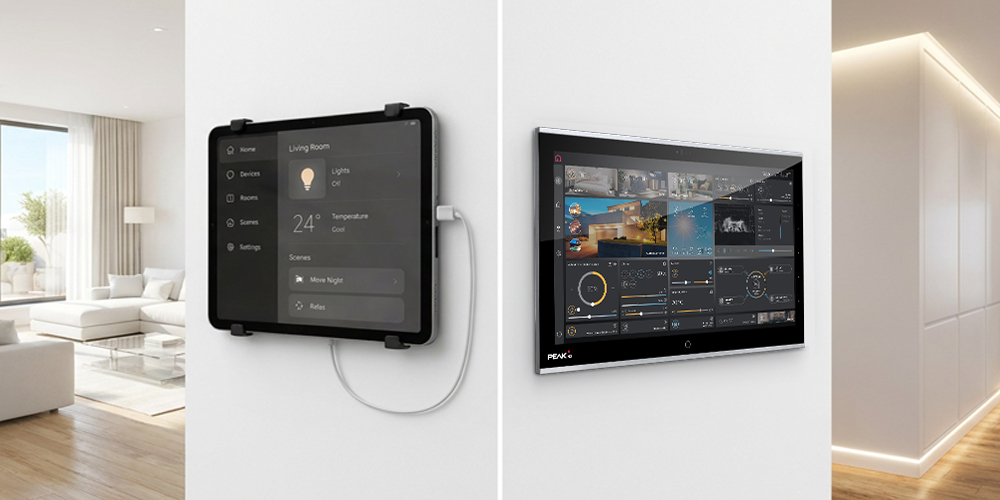
A tablet can certainly be used as a smart home control interface. For retrofit projects or applications with simpler requirements, it can be a pragmatic solution.
For smart homes and smart buildings designed for long-term use, however, it is worth taking a closer look.
| Tablet on the wall | Permanently installed touch panel |
| Primarily designed as a mobile consumer device | Designed for a permanent control location |
| Easy to retrofit | Can be incorporated into the project from the outset |
| Often linked to a user account or device ecosystem | Can be designed as a dedicated building control point |
| Power supply and mounting need to be solved separately | Power supply and mounting can form part of the building plan |
| Visual integration depends on the device and mounting solution | Architectural integration can be planned deliberately |
| Consumer product cycles can be a factor | Greater focus can be placed on long-term use within the building |
The point is not to suggest that tablets are fundamentally unsuitable. What matters is the requirements of the project. For a flexible control option that can be retrofitted easily, a tablet may be entirely sufficient. The more building automation is regarded as permanent infrastructure, however, the more sense it makes to plan its central control points accordingly. The fundamental distinction is therefore not simply tablet versus touchscreen, but: Personal consumer device or permanently planned building control point?
Where should a touch panel be installed in a smart home?
There is no single correct installation location for every building.
The key planning question is:
What should a user be able to know or decide at this location?
Typical locations in a smart home include:
- Entrance area: central scenes, status overview, door communication
- Living area: comfort, scenes, multimedia, shading
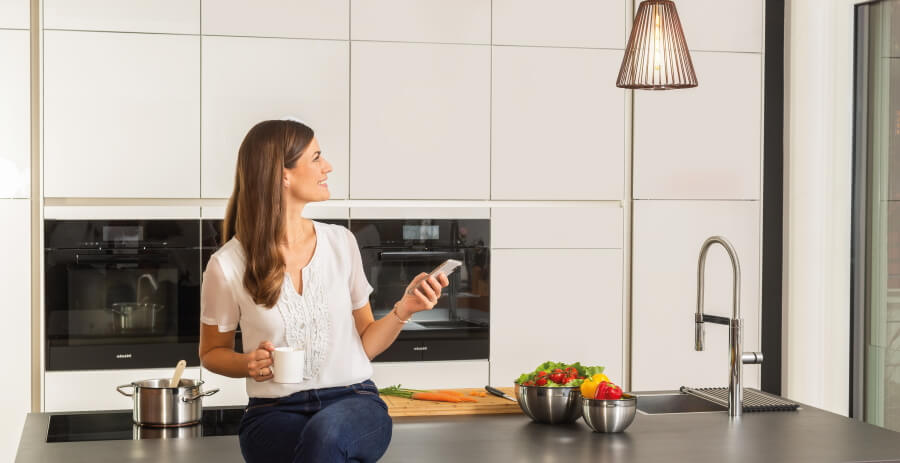
- Kitchen: lighting, shading, music and central information
- Bedroom: night mode, shading and room climate
- Hallway or staircase: central or floor-specific overview
- Technical area: status information and technical functions
In smart buildings, additional locations can include reception areas, meeting rooms, hotel rooms, office areas, training rooms, showrooms and facility management areas.
A useful rule of thumb is:
A touch panel should be located wherever decisions about the building are regularly made.
Not every room automatically needs a large display. Depending on the building, a combination of automation, conventional switches, central touch panels, room-specific controls and mobile apps may be the better solution.
Why should a touch panel be considered early in KNX planning?
The decision about a control point should not be postponed until the electrical installation and interior fit-out are largely complete.
Considering a wall panel early means that technical and design requirements can be planned together.
Key aspects include:
- Installation location and height
- Mounting method
- Power supply
- Network connection
- KNX connection
- Display size
- Use as central control or room controller
- Required functions
- Visualisation
- Scene logic
- Future expandability
In a KNX project in particular, it should also be defined early on which functions will be brought together in the visualisation and how they should be presented to users.
A sensible sequence is therefore:
Control concept → positioning → technical infrastructure → visualisation
Instead of asking towards the end of the planning process: “Where can we still fit a display?”
the question should be asked as early as possible: “How should people interact with this building in the future?”
When selecting a control panel, attention often turns immediately to display size, design or individual technical specifications. It makes more sense to first define the purpose of the control point:
Should the panel provide central building control or primarily control a single room? Which building services need to be visible? Which scenes are required? Should door communication or camera surveillance be integrated? And which functions might be added in future?
These requirements can then be used to determine the appropriate position, display size, mounting solution and technical configuration. This means the building is not planned around the panel. Instead, the panel is selected to suit the control concept.

When does a permanently installed touch panel make sense – and when does it not?
Not every smart home needs a touch panel in every room. Where only a few functions are required, conventional switches, a KNX server in the distribution board – such as the Home Automation Server – automation and an app may be entirely sufficient. A permanently installed touch panel becomes particularly useful when:
- several building services need to be controlled together,
- numerous building functions are involved,
- several or changing users access the same functions,
- central scenes are required,
- status information needs to be available at a glance,
- KNX or a comparable professional building automation system is used,
- control is deliberately integrated into the architecture,
- the building and its technology are planned for long-term use.
The key question should therefore not be:
“How many touch panels does my building need?”
But:
“Where does my building need a permanent control point?”
What distinguishes a professional control panel?
Anyone planning a permanent control point should look beyond display size and design.
A professional control panel forms part of an overall system. What matters is not just the hardware, but the interaction between the control device and the software. With PEAKnx, the YOUVI visualisation can run directly on the touch panel. This creates an integrated solution in which control and visualisation come together on the same platform.
Depending on the project, relevant considerations include:
- Mounting: How should the panel be integrated into the wall and architecture?
- Power supply: What type of supply is required at the planned installation location?
- Network: How will the panel be integrated into the existing infrastructure?
- KNX connection: How will it connect to the building automation system?
- Visualisation: Which functions and statuses should be displayed?
- Control concept: Will the panel provide central control or act as a room-specific control point?
- Expandability: Which functions might be added later?
- Display size: How much information needs to be presented clearly and intuitively?
- Service life: Is the solution designed for permanent use within the building?
PEAKnx develops control panels for KNX-based smart homes and smart buildings, with the aim of integrating building control permanently into the architecture.
The touchscreen alone is not the focus. What matters is the interaction between hardware, installation situation, KNX connection, visualisation and the control concept.
The selection process should therefore answer more than:
“Which panel do I like?”
Above all, it should answer:
“Which tasks should this control point perform in my building over the long term?”
READ MORE
Multifunctional KNX touch panels: The central interface for controlling intelligent buildings
Find out in detail which functions modern touch panels can perform, how the four PEAKnx models differ and which panel is suitable for which area of application.
Find the right panel
Which touch panel is right for my project?
Conclusion: Good building automation needs a control concept
A smart home or smart building does not become intelligent simply by automating as many functions as possible. What matters is whether the technology works reliably in everyday life and remains easy for people to understand.
Automation, apps, voice control and touch panels each perform different tasks.
A permanently installed panel is particularly effective wherever building functions need to be visible, accessible to everyone and controllable from a defined location.
Its real strength therefore does not lie in the KNX touchscreen itself.
Its strength lies in creating a permanent place for interaction between people and the building.
The more comprehensive the building automation becomes, the more important a well-designed control concept becomes.
Because good building control does not happen by chance.
It is planned.